Front-Desk Suite
Sign-in, membership, loyalty and the request queue — the counter where an organization meets everyone it deals with, bought once.
4 apps, $159 once: $266 if bought separately, so you keep $107.
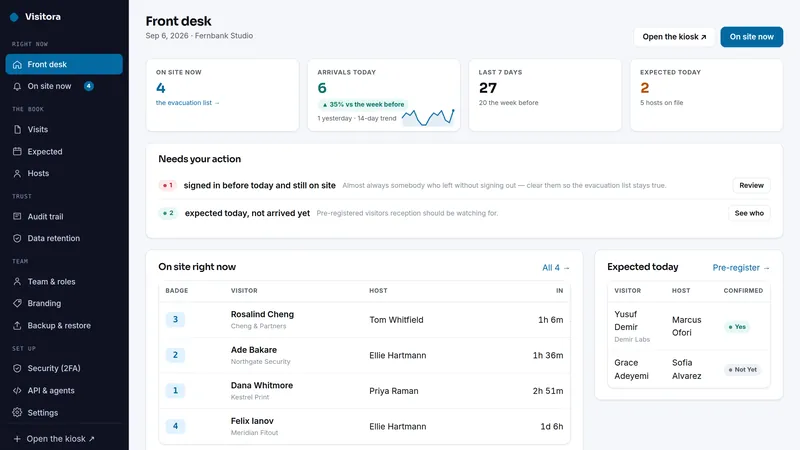
 Visitora
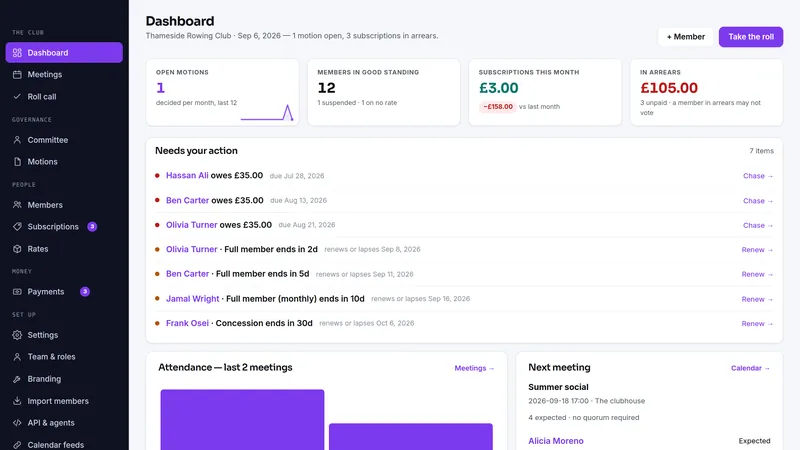
 Membora
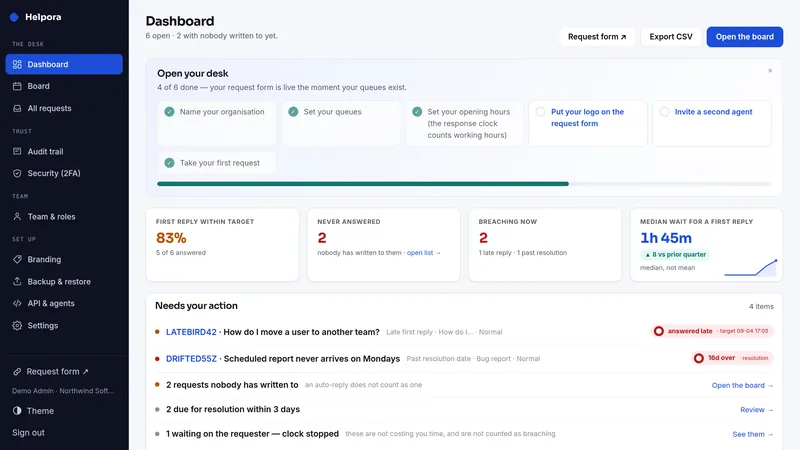
 Helpora
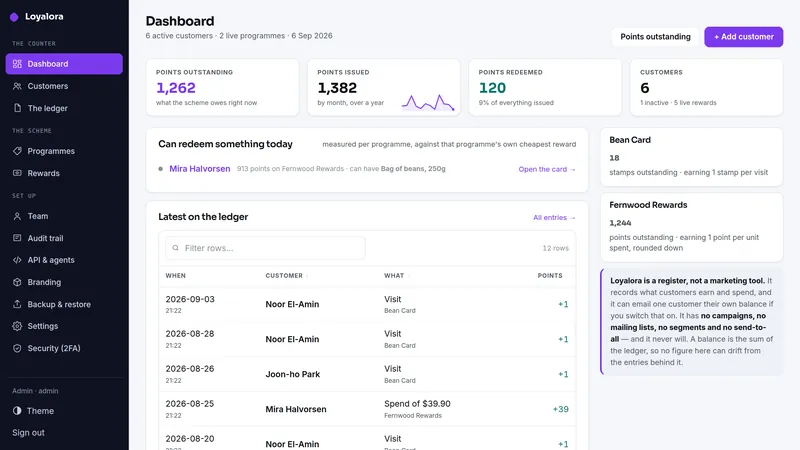
 Loyalora
What's inside · 4 full apps
What the same jobs cost rented, year one
The suite is $159 once. The figures above are the vendors' published monthly prices multiplied by twelve, nothing else.
Why this suite
The front desk is where four different systems end up, and none of them is big enough to justify its own subscription. Somebody signs in on paper. Somebody else keeps the membership list in a spreadsheet with the payments beside it. Loyalty is a stamp card. Requests arrive in a shared mailbox where nobody can say how long anything took.
Each one is a small register. Together they are the whole counter, and each is priced by a vendor as though it were the only software you buy.
- A paper sign-in book that cannot answer who is still inside when the alarm goes off
- A membership list that cannot say whether a meeting was quorate or a member was entitled to vote
- Points kept as a stored balance that starts lying the first time a write fails
- A shared inbox where "answered" means somebody read it
Before you buy
Plain PHP 8.1+ (tested on PHP 8.3) with MySQL, MariaDB or SQLite, on ordinary shared hosting or the smallest VPS. Each app has its own two-minute web installer and its own database.
Every app above has a live demo on sample data, with no sign-up. The demos run the same builds you download.
The full PHP source of every app. Your data stays on your server, with CSV export and one-click backups in each app, and nothing connects back to us.
What each app deliberately doesn't do
Each app's own limits apply unchanged when it arrives as part of the suite.
Visitora
- A sign-in book, not a security system. It records what people tell it — no ID scan, no passport read
- No door access, no turnstiles, no badge encoding — it does not unlock anything
- No photo capture, no ID upload — deliberate: neither is needed to answer "who is inside", and both are data you then have to protect
- Single-tenant: one site per installation
- Email through your own SMTP server and texts through your own SMS gateway, both off until you switch them on — no push, and Visitora sells no credits for either. A host gets arrival texts only if they ask for them, and arrivals can also be posted to your team's Slack, Teams, Google Chat or Discord channel
- The visitor is never emailed a copy of their visit — only the host arrival notice and the pre-registration link
- Not legal advice — the right retention period, and whether your site rules are adequate, are your decisions
Membora
- No card processing of its own — members can pay dues by card on Stripe's own page when you switch on card payment with your own Stripe account; otherwise it records what was paid
- No member logins — members register for events with their number and email and carry a card link; they are tracked, not users
- No online or remote voting — it records votes taken at a meeting, it does not run ballots
- No accounting — subscriptions are a membership fact, not a ledger
- Single-tenant: one organization per installation
- Not legal advice — what your constitution requires for quorum and eligibility is yours to set
Helpora
- Internal requests, not a customer helpdesk — no customer accounts, no branded ticket site
- No inbound mail — no IMAP polling, no mail parsing. Requests come in through the request form; the API and the AI assistant read, reply and settle, and file nothing.
- No requester passwords — colleagues follow their requests by signing in with your own identity provider, or with a reference and passphrase.
- No CMDB, no change approvals, no incident/problem hierarchy — a request queue, not an ITSM suite
- No live chat, no phone integration
- Single-tenant: one organization per installation
Loyalora
- No marketing of any kind, by design and by test — no campaigns, no mailing lists, no segments, no send-to-all
- No point-of-sale and no e-commerce or storefront widget — points can come straight from your till through the API, once per sale
- Holds no card numbers and processes no payments
- One earning rate per program, with VIP tiers and item bonuses on top, and a reward catalog
- One business per installation, with as many shops as you run
Suite questions
What exactly do I receive?
Are these the same apps sold one by one?
Do the apps share one install or database?
I already own one of these apps. Do I pay for it again?
Can I start with one app and add the rest later?
What happens on a refund?
Which license do I need?
It comes down to how many installations you need. Running your own business on one site is the Single license. Running it on more than one site you own or operate is the Extended license, with no cap. Both cover every app in the suite.
- Install it on one domain or subdomain you own or operate
- Change the source however you like for that installation
- Run your own business on it commercially, client work included
- Re-download the current build any time from your buyer portal
- A second site, or an installation you hand to a client as theirs, needs the Extended license
- No reselling, redistributing or sublicensing the source
- Not for offering it to other people as a hosted service
- Everything the Single license grants
- Install it on as many domains as you own or operate — no cap on the number
- Up to ten client installations, one per client project, handed over or hosted for each client; for more, buy another Extended license
- White-label: remove or replace the product name and logo in the screens of client installations
- Still no reselling or redistributing the source itself
- Running it as a multi-tenant service others sign up for needs a SaaS agreement
Every download carries the full terms as LICENSE.txt. The complete wording is on the terms page.