Studio Suite
Online booking, digital waivers, and membership management — run a studio, gym, or spa on your own server.
4 apps, $199 once: $326 if bought separately, so you keep $127.
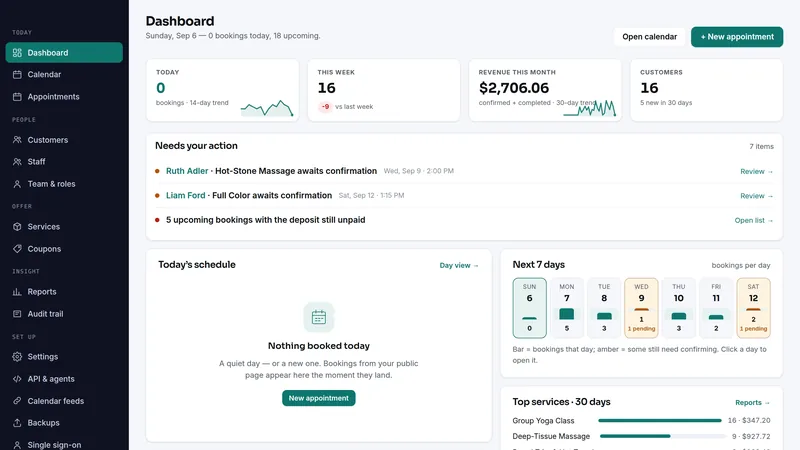
 Slotly
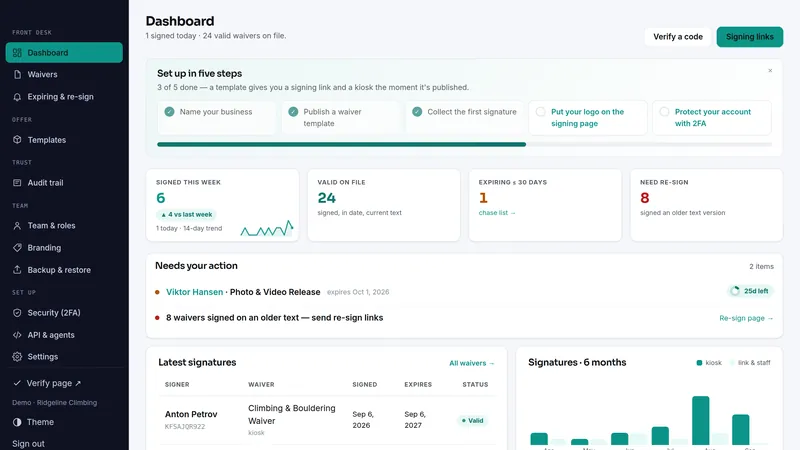
 Waiverly
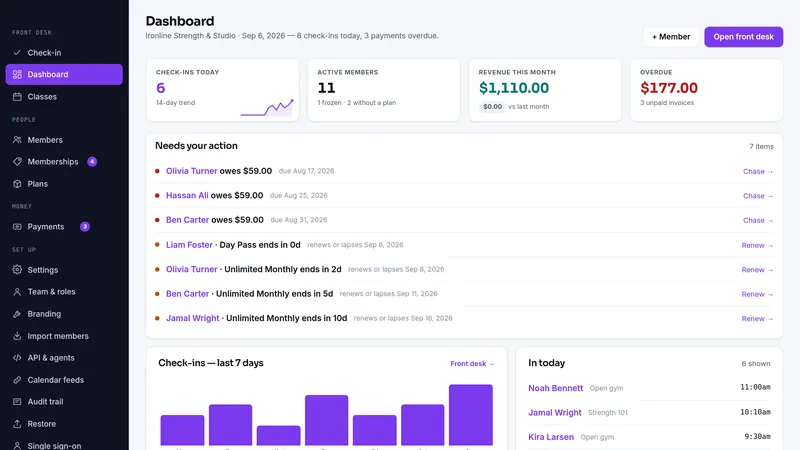
 Gymora
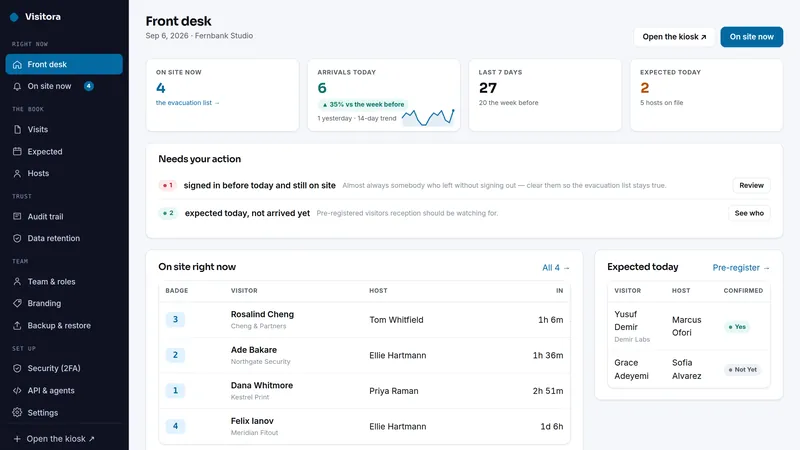
 Visitora
What's inside · 4 full apps
What the same jobs cost rented, year one
The suite is $199 once. The figures above are the vendors' published monthly prices multiplied by twelve, nothing else.
Why this suite
A studio, gym, or spa runs on three things: clients booking time, signing the waiver before they start, and keeping their membership current.
- Three services, three subscriptions, three logins
- One suite: appointment booking, tamper-evident waivers, and memberships — self-hosted
- Each product installs standalone — adopt them one at a time
Before you buy
Plain PHP 8.1+ (tested on PHP 8.3) with MySQL, MariaDB or SQLite, on ordinary shared hosting or the smallest VPS. Each app has its own two-minute web installer and its own database.
Every app above has a live demo on sample data, with no sign-up. The demos run the same builds you download.
The full PHP source of every app. Your data stays on your server, with CSV export and one-click backups in each app, and nothing connects back to us.
What each app deliberately doesn't do
Each app's own limits apply unchanged when it arrives as part of the suite.
Slotly
- Slotly never touches a card. With card payments switched on, a deposit or the full price is paid at booking on Stripe's own page through your own Stripe account; without them, deposits are quoted and tracked and your own payment link (a Stripe or PayPal page) is shown beside the amount due.
- Calendar sync is by .ics, both ways: Slotly's token-guarded feeds go to your calendar, and your own calendar's private .ics address blocks your booking page. No account connection, and your calendar is never written to.
- On the autumn DST change the repeated wall-clock hour is offered once, not twice — only relevant if you take bookings between 2 and 3 a.m.
- Not built for a multi-vendor marketplace.
- Single business per install.
Waiverly
- No government-ID identity verification, notarization, or eIDAS advanced/qualified signatures — Waiverly proves what text was signed and that it has not changed, not who the signer legally is.
- No online payment collection: signatures, not money.
- Email goes through your own SMTP server — Waiverly ships no mail service and opens no account for you.
- A record-keeping tool, not legal advice — whether your wording protects you is a question for your lawyer.
Gymora
- Your front desk runs it, and members get their own page to book classes and see what is due; the join page offers only the plans you choose.
- Single location, single-tenant: one installation per gym.
- No card ever passes through it. With card payments switched on, members pay on Stripe's own page through your own Stripe account and the charge marks itself paid; otherwise it shows your own payment link and you mark charges paid.
- Email goes through your own SMTP server and texts through your own SMS gateway, and every message — to you or to a member — is off until you switch it on.
- Expiry notices, the billing run and member messages need a scheduler:
cron/expiring.phpandcron/billing.phpdaily,cron/messages.phphourly — the app runs no background jobs by itself.
Visitora
- A sign-in book, not a security system. It records what people tell it — no ID scan, no passport read
- No door access, no turnstiles, no badge encoding — it does not unlock anything
- No photo capture, no ID upload — deliberate: neither is needed to answer "who is inside", and both are data you then have to protect
- Single-tenant: one site per installation
- Email through your own SMTP server and texts through your own SMS gateway, both off until you switch them on — no push, and Visitora sells no credits for either. A host gets arrival texts only if they ask for them, and arrivals can also be posted to your team's Slack, Teams, Google Chat or Discord channel
- The visitor is never emailed a copy of their visit — only the host arrival notice and the pre-registration link
- Not legal advice — the right retention period, and whether your site rules are adequate, are your decisions
Suite questions
What exactly do I receive?
Are these the same apps sold one by one?
Do the apps share one install or database?
I already own one of these apps. Do I pay for it again?
Can I start with one app and add the rest later?
What happens on a refund?
Which license do I need?
It comes down to how many installations you need. Running your own business on one site is the Single license. Running it on more than one site you own or operate is the Extended license, with no cap. Both cover every app in the suite.
- Install it on one domain or subdomain you own or operate
- Change the source however you like for that installation
- Run your own business on it commercially, client work included
- Re-download the current build any time from your buyer portal
- A second site, or an installation you hand to a client as theirs, needs the Extended license
- No reselling, redistributing or sublicensing the source
- Not for offering it to other people as a hosted service
- Everything the Single license grants
- Install it on as many domains as you own or operate — no cap on the number
- Up to ten client installations, one per client project, handed over or hosted for each client; for more, buy another Extended license
- White-label: remove or replace the product name and logo in the screens of client installations
- Still no reselling or redistributing the source itself
- Running it as a multi-tenant service others sign up for needs a SaaS agreement
Every download carries the full terms as LICENSE.txt. The complete wording is on the terms page.