Workforce Suite
Staff leave, shift rota, timesheets, onboarding and training records — the five workforce record-keeping tools, self-hosted.
5 apps, $249 once: $385 if bought separately, so you keep $136.
 Leavora
 Rostera
 Clockora
 Trainora
 Onboardora
What's inside · 5 full apps
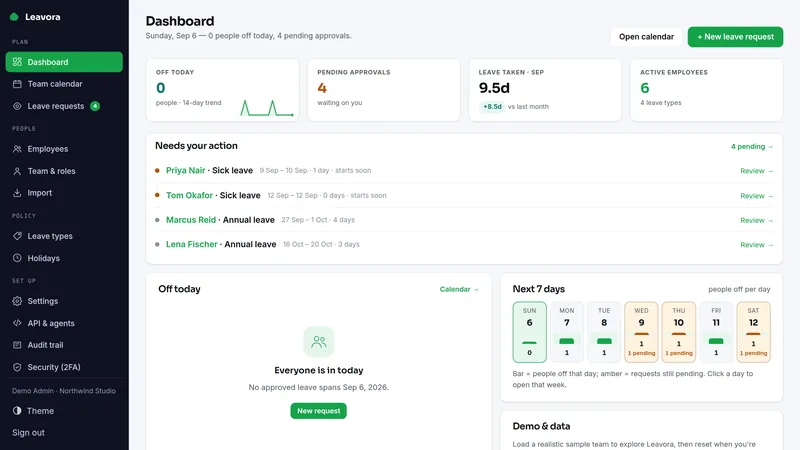
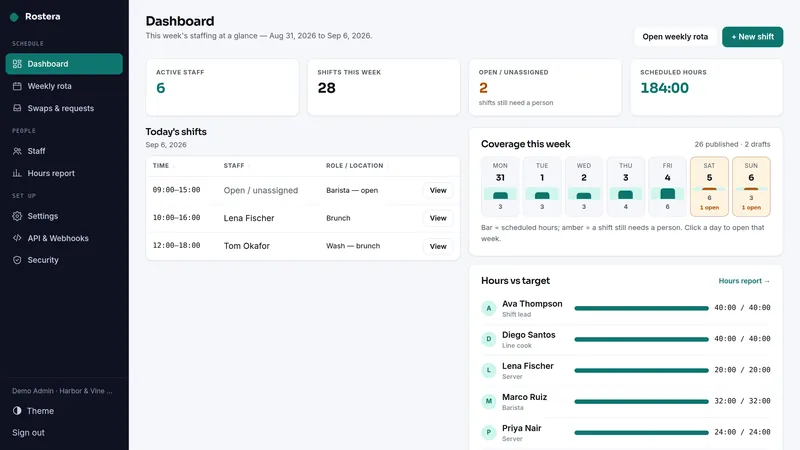
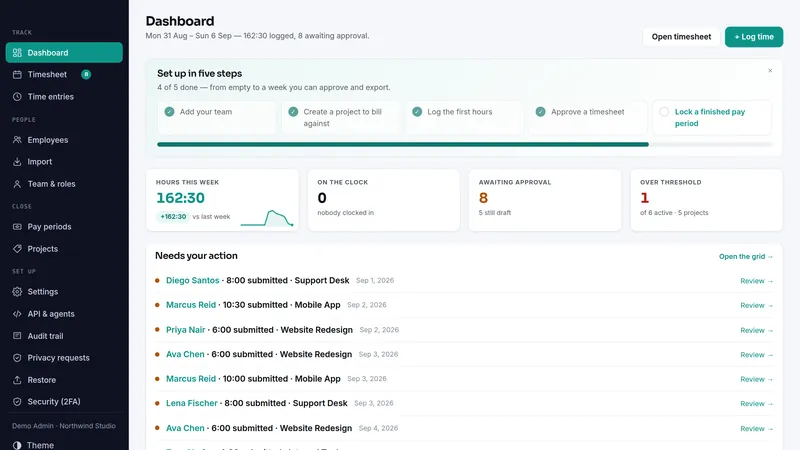
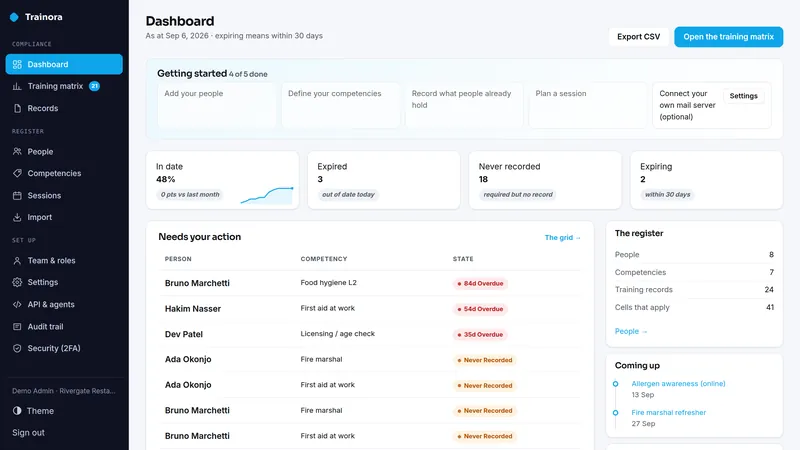
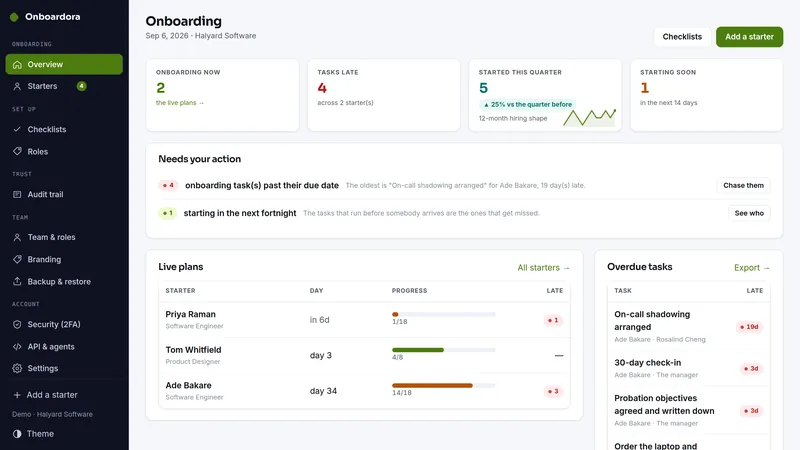
Onboarding plans whose dates follow the start date, and a page for each starter.
What the same jobs cost rented, year one
The suite is $249 once. The figures above are the vendors' published monthly prices multiplied by twelve, nothing else.
Why this suite
Managing a team means five quiet systems that never stop running: who's off and when, who works which shift, how many hours everyone actually did, how a new starter's first weeks go, and who holds which training.
- Five staff tools, five subscriptions, five logins
- One suite: leave & PTO, the weekly rota, approved timesheets, onboarding and training records on your own server
- Each installs standalone — adopt them one at a time
Before you buy
Plain PHP 8.1+ (tested on PHP 8.3) with MySQL, MariaDB or SQLite, on ordinary shared hosting or the smallest VPS. Each app has its own two-minute web installer and its own database.
Every app above has a live demo on sample data, with no sign-up. The demos run the same builds you download.
The full PHP source of every app. Your data stays on your server, with CSV export and one-click backups in each app, and nothing connects back to us.
What each app deliberately doesn't do
Each app's own limits apply unchanged when it arrives as part of the suite.
Leavora
- Single-tenant: one business per installation.
- Records leave only — no payroll, no wage calculation, no HRIS integration.
- Approving is always an administrator's act; self-service employees request but never decide — including their own request.
- Carryover is a single cap per leave type; tenure tiers, negative balances and part-time proration by hours are out of scope by design.
- Accrual — annual or monthly — counts a month only when the employee was employed at its start (no partial-month pro-rating), so balances imported from a pro-rating system can read slightly higher.
- Email sends through your own SMTP server; every employee email is off until you turn it on.
Rostera
- Not a time clock: it plans and publishes shifts; it does not capture attendance.
- No pay rates, ever — hours and coverage, not wages.
- Swap requests exist; approving a swap is always a human act — there is no automated swap engine.
- Email goes through your own SMTP server; telling staff about a published rota is off until you switch it on.
- Single-tenant: one business per installation.
Clockora
- Single-tenant: one business per installation.
- Hours only — no invoicing, pricing, rates, wages or payroll. No email can contain a pay figure because the product stores none.
- Overlap detection applies to clock entries (start + end); manual-duration entries have no position on the clock, so a per-employee-per-day 24-hour ceiling refuses the impossible day instead.
- Email sends through your own SMTP server; every staff-facing message is off until you turn it on.
- Reminders need a scheduler:
cron/reminders.phpmust run daily — the app does not run background jobs by itself.
Trainora
- It does not issue certificates itself — it holds the evidence you were given, and sends a certificate to your own Certora only when you press the button on a record
- Not a learning platform — no courses, no content, no quizzes, no e-learning, no SCORM
- Not a rules engine — a competency applies to everyone, a team or role, a location, or that role at that location
- No login for the people in the register — each person can have a private link to their own record, and send you a new certificate to confirm
- Changing a competency's validity does not rewrite records already on file
- Single-tenant: one organization per installation
Onboardora
- Not an HR system of record — no payroll, no salaries, no contracts of employment, no holiday tracking
- No right-to-work or background-check verification — you can tick that the check happened, it does not perform it. A starter can upload a copy of a document you ask for; Onboardora does not check it, and makes no claim that uploading it satisfies any legal obligation
- No payroll/HRIS connector — REST API, signed webhooks and MCP are there; wiring them is yours. A webhook can post a one-line message to a Slack-style chat
- No offboarding — equipment tracks issue and return, but there is no leaver flow
- No employee login — the starter's page is a private link, not an account; it reaches their own plan only
- Single-tenant: one company per installation
- Not legal advice — what belongs on a checklist where you operate, and how long you keep the record, are your decisions
Suite questions
What exactly do I receive?
Are these the same apps sold one by one?
Do the apps share one install or database?
I already own one of these apps. Do I pay for it again?
Can I start with one app and add the rest later?
What happens on a refund?
Which license do I need?
It comes down to how many installations you need. Running your own business on one site is the Single license. Running it on more than one site you own or operate is the Extended license, with no cap. Both cover every app in the suite.
- Install it on one domain or subdomain you own or operate
- Change the source however you like for that installation
- Run your own business on it commercially, client work included
- Re-download the current build any time from your buyer portal
- A second site, or an installation you hand to a client as theirs, needs the Extended license
- No reselling, redistributing or sublicensing the source
- Not for offering it to other people as a hosted service
- Everything the Single license grants
- Install it on as many domains as you own or operate — no cap on the number
- Up to ten client installations, one per client project, handed over or hosted for each client; for more, buy another Extended license
- White-label: remove or replace the product name and logo in the screens of client installations
- Still no reselling or redistributing the source itself
- Running it as a multi-tenant service others sign up for needs a SaaS agreement
Every download carries the full terms as LICENSE.txt. The complete wording is on the terms page.