AI Document Suite
Five BYO-key AI document tools — invoices, receipts, spec sheets, freight docs, and bookkeeping — on your own server.
5 apps, $199 once: $405 if bought separately, so you keep $206.
 Extracta
 Expensa
 Specta
 Cargora
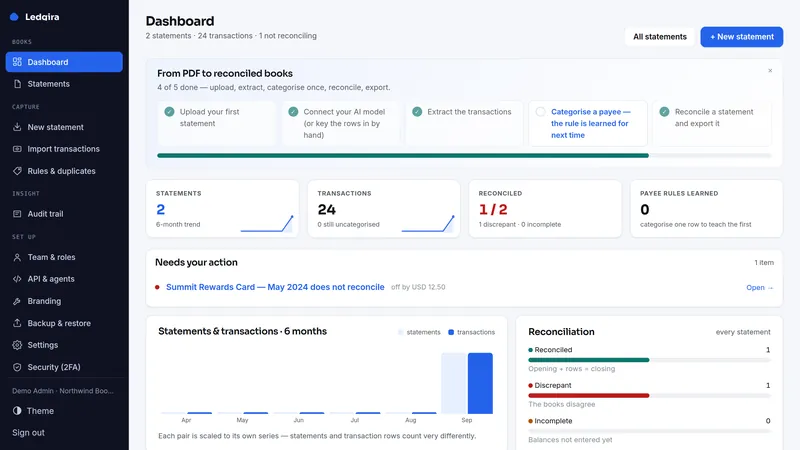
 Ledgira
What's inside · 5 full apps
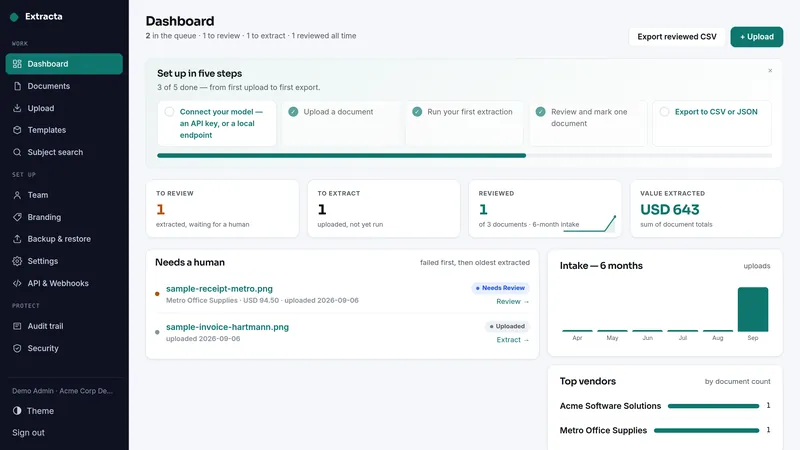
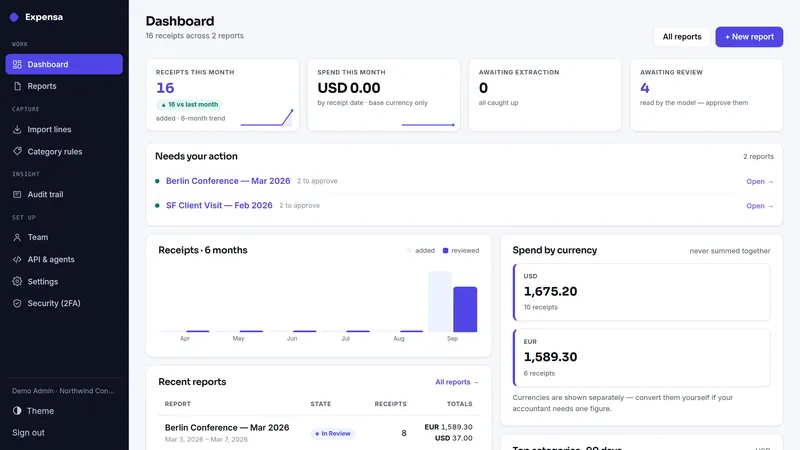
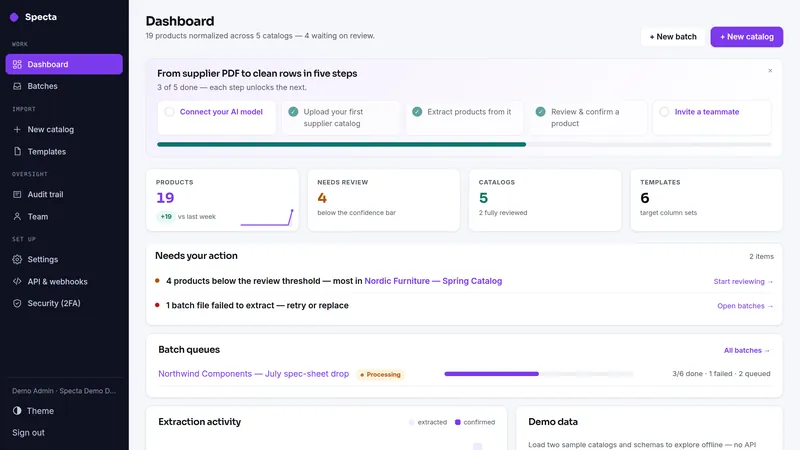
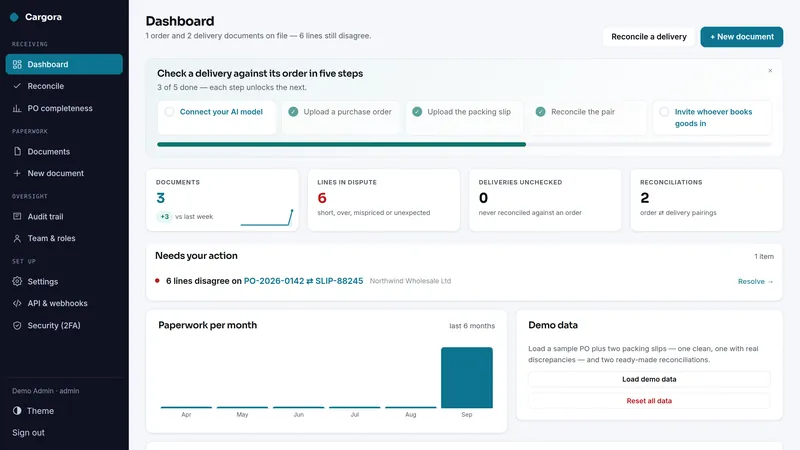
What the same jobs cost rented, year one
The suite is $199 once. The figures above are the vendors' published monthly prices multiplied by twelve, nothing else.
Why this suite
Every business drowns in the same paper: supplier invoices, expense receipts, product spec sheets, freight documents, bank statements. AI reads them all now — but the SaaS that does it charges per page and keeps a copy of your financial documents.
- Five extraction tools, one purchase, zero per-page fees to a middleman
- Bring your own OpenAI/Anthropic/Ollama key; documents never leave your server
- Human-in-the-loop review in every product — the model proposes, you approve
Before you buy
Plain PHP 8.1+ (tested on PHP 8.3) with MySQL, MariaDB or SQLite, on ordinary shared hosting or the smallest VPS. Each app has its own two-minute web installer and its own database.
Every app above has a live demo on sample data, with no sign-up. The demos run the same builds you download.
The full PHP source of every app. Your data stays on your server, with CSV export and one-click backups in each app, and nothing connects back to us.
What each app deliberately doesn't do
Each app's own limits apply unchanged when it arrives as part of the suite.
Extracta
- No API connection to accounting software — named CSV presets (QuickBooks, Xero) you upload yourself: nothing to authorize, no vendor that can cut you off.
- Single-tenant: one business per installation, with teammates added as viewer, member or admin on the Team page.
- No OCR built in — the vision model you configure does the reading (e-invoices are read from their XML, with no model); every extracted figure is shown for a human to approve before it counts.
- Scanned PDFs (images embedded in a PDF) may extract less accurately than native text-layer PDFs.
- Extraction accuracy is not guaranteed for any specific format, language, or jurisdiction — which is why the review screen exists.
Expensa
- No API connection to accounting software — named CSV presets (QuickBooks, Xero) you upload yourself.
- Not accounting software: it turns receipts into a reviewed, exportable expense report — no ledger, no filing.
- No OCR of our own: bring your own vision model; every figure is human-approved before it counts.
- Single-tenant: one business per installation, with teammates as viewer, claimant, member or admin — run one per client if you are a bookkeeper.
- Email (yours and the claimant's) goes through your own SMTP; claimant email ships off until you enable it.
Specta
- No direct storefront API integration — export CSV/JSON and import it yourself. The import-header check tells you whether that file will land cleanly in your store before you try.
- Confidence scores are heuristic, computed offline from parse quality — a review-priority signal, not a probability of correctness.
- Batches process one file per request (deliberate, for shared hosting): a 20-file batch is 20 model calls at your own provider cost, and the auto-advance page must stay open.
- BYO key: an OpenAI or Anthropic key, or a local Ollama with a vision model. Multi-page PDFs are best with Anthropic; other providers are best-effort.
- Single-tenant: one business per installation, with teammates as viewer, member or admin. No OCR built in; the model you choose does the reading.
Cargora
- No ERP or accounting API integration — Cargora writes importable files (documented columns) and you import them. No vendor API is spoken, no credentials held.
- PDF extraction works best with text-layer PDFs; scanned pages depend on the model you configure.
- Single-tenant: one business per installation; teammates join by invitation as viewer, member or admin.
- Reconciliation matches by SKU (case- and spacing-insensitive, punctuation significant); lines without a SKU are reported rather than matched.
- No OCR built in; the model you choose does the reading.
Ledgira
- No bank feed / Open Banking: Ledgira reads statement files you already have.
- No direct accounting-software integration: you download CSV (with QuickBooks and Xero presets), QBO, OFX, QIF or JSON and import it yourself.
- Not the book of record; it reconciles and hands off.
- No OCR of our own: bring your own model; every figure is human-approved.
- With OpenAI or Anthropic, each statement is sent to that provider under your own key; with a local Ollama model, statements never leave your server.
- Single-tenant: one business per installation.
Suite questions
What exactly do I receive?
Are these the same apps sold one by one?
Do the apps share one install or database?
I already own one of these apps. Do I pay for it again?
Can I start with one app and add the rest later?
What happens on a refund?
Which license do I need?
It comes down to how many installations you need. Running your own business on one site is the Single license. Running it on more than one site you own or operate is the Extended license, with no cap. Both cover every app in the suite.
- Install it on one domain or subdomain you own or operate
- Change the source however you like for that installation
- Run your own business on it commercially, client work included
- Re-download the current build any time from your buyer portal
- A second site, or an installation you hand to a client as theirs, needs the Extended license
- No reselling, redistributing or sublicensing the source
- Not for offering it to other people as a hosted service
- Everything the Single license grants
- Install it on as many domains as you own or operate — no cap on the number
- Up to ten client installations, one per client project, handed over or hosted for each client; for more, buy another Extended license
- White-label: remove or replace the product name and logo in the screens of client installations
- Still no reselling or redistributing the source itself
- Running it as a multi-tenant service others sign up for needs a SaaS agreement
Every download carries the full terms as LICENSE.txt. The complete wording is on the terms page.